



How to Display Animated GIF in an Android Application
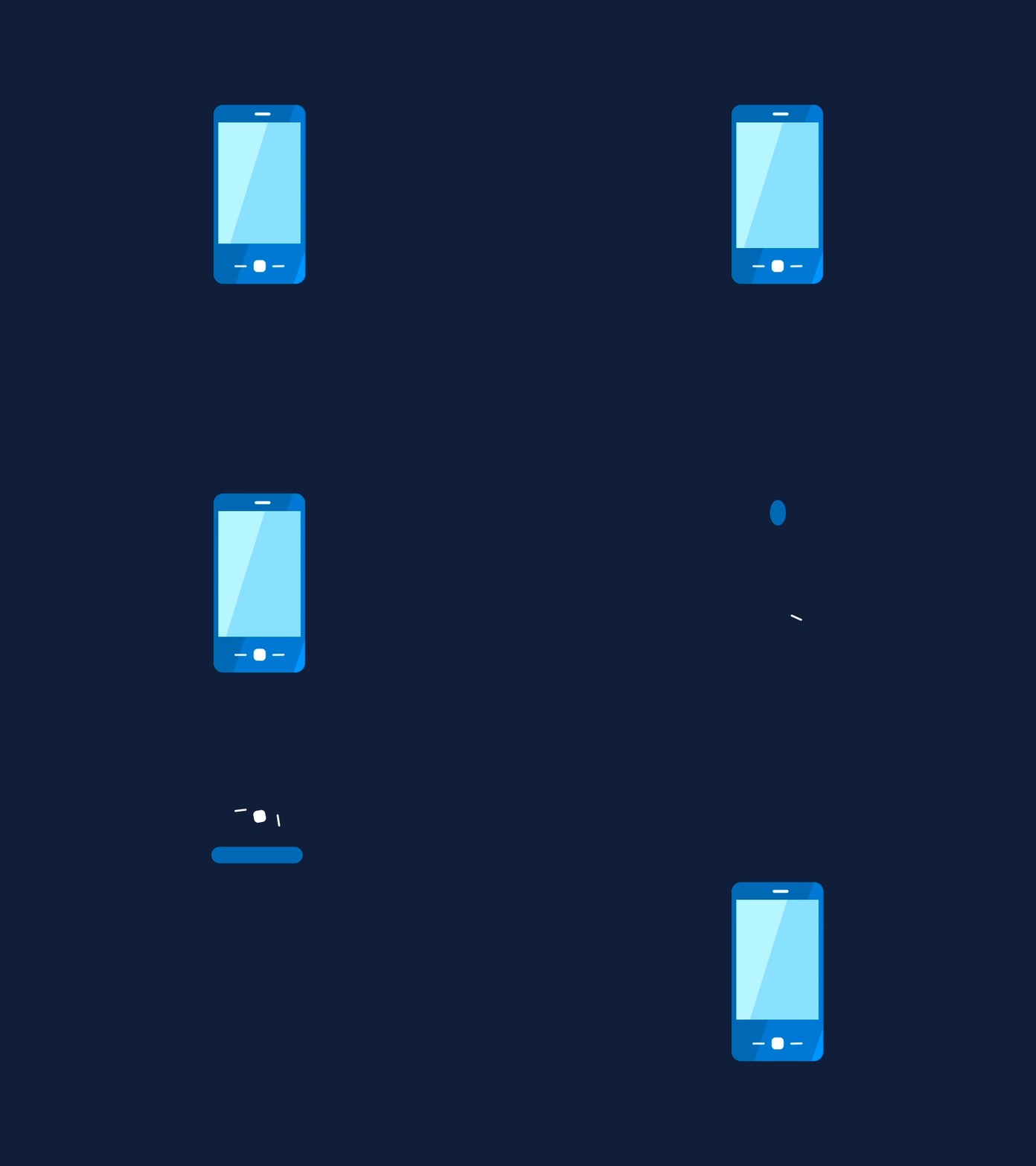
Graphics Interchange Format(GIF) pictures play a huge part in little picture movement. Actually Android doesn’t provide any support for GIF animation in the image view, but displaying a GIF image in an android application is not an exhausting process. This article gives you a complete information about displaying GIF in an android application.
Why Use GIFs in Mobile App Development?
GIFs enhance user experience by adding smooth animations, making apps more interactive and visually appealing. Many Mobile App Development Services incorporate GIFs to create engaging onboarding screens, loading animations, and other UI enhancements.
Steps to Display Animated GIF in an Android Application
1: Create new project (eg. AnimatedGif)
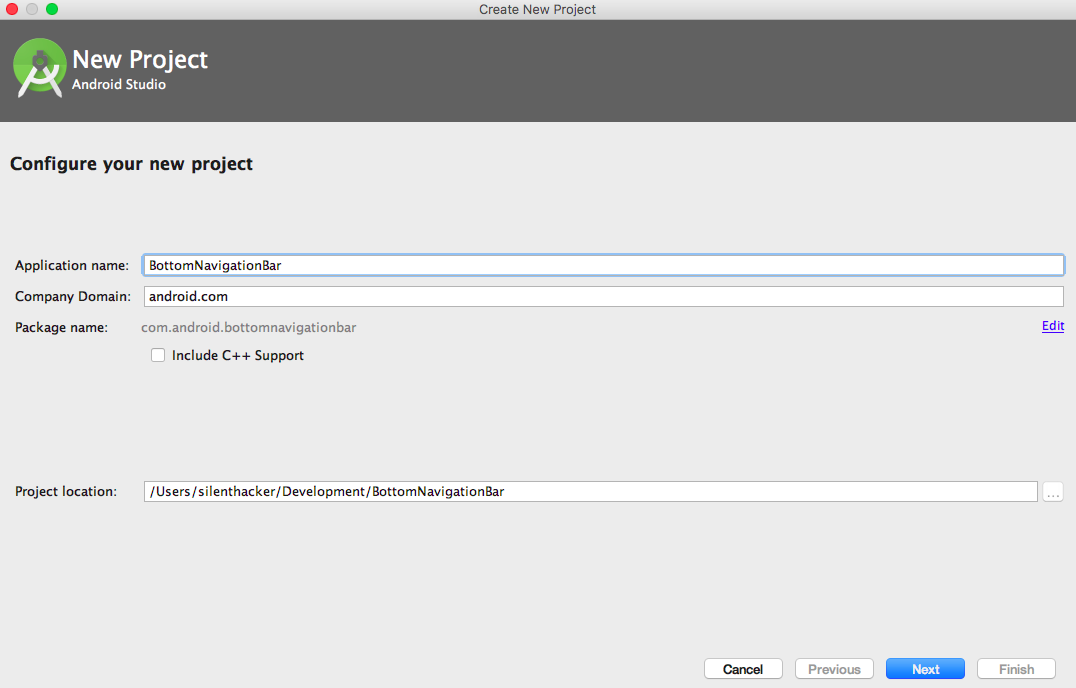
2: Select Target SDK Version
-2.png)
3: Now select Empty Activity
-2.png)
4: now click on Finish button and project is setup
-2.png)
5: Project Structure
-2.png)
6: Create a package named “Utils” under src folder and create a class named “GifImageView” under that package
File: src/utils/GifImageView.class
<code>package com.android.animatedgif.Utils;import android.content.Context;import android.graphics.Canvas;import android.graphics.Movie;import android.net.Uri;import android.os.SystemClock;import android.util.AttributeSet;import android.util.Log;import android.view.View;import java.io.FileNotFoundException;import java.io.InputStream;public class GifImageView extends View { private InputStream mInputStream; private Movie mMovie; private int mWidth, mHeight; private long mStart; private Context mContext; public GifImageView(Context context) { super(context); this.mContext = context; } public GifImageView(Context context, AttributeSet attrs) { this(context, attrs, 0); } public GifImageView(Context context, AttributeSet attrs, int defStyleAttr) { super(context, attrs, defStyleAttr); this.mContext = context; if (attrs.getAttributeName(1).equals("background")) { int id = Integer.parseInt(attrs.getAttributeValue(1).substring(1)); setGifImageResource(id); } } private void init() { setFocusable(true); mMovie = Movie.decodeStream(mInputStream); mWidth = mMovie.width(); mHeight = mMovie.height(); requestLayout(); } @Override protected void onMeasure(int widthMeasureSpec, int heightMeasureSpec) { setMeasuredDimension(mWidth, mHeight); } @Override protected void onDraw(Canvas canvas) { long now = SystemClock.uptimeMillis(); if (mStart == 0) { mStart = now; } if (mMovie != null) { int duration = mMovie.duration(); if (duration == 0) { duration = 1000; } int relTime = (int) ((now - mStart) % duration); mMovie.setTime(relTime); mMovie.draw(canvas, 0, 0); invalidate(); } } public void setGifImageResource(int id) { mInputStream = mContext.getResources().openRawResource(id); init(); } public void setGifImageUri(Uri uri) { try { mInputStream = mContext.getContentResolver().openInputStream(uri); init(); } catch (FileNotFoundException e) { Log.e("GIfImageView", "File not found"); } }}</code>
7: Now define GifImageView in MainActivity
File: src/activity/MainActivity.class
<code>package com.android.animatedgif.Activity;import android.support.v7.app.AppCompatActivity;import android.os.Bundle;import com.android.animatedgif.R;import com.android.animatedgif.Utils.GifImageView;public class MainActivity extends AppCompatActivity { @Override protected void onCreate(Bundle savedInstanceState) { super.onCreate(savedInstanceState); setContentView(R.layout.activity_main); GifImageView gifImageView = (GifImageView) findViewById(R.id.GifImageView); gifImageView.setGifImageResource(R.drawable.smartphone_drib); }}</code>
8: Now UI Part
File: res/layout/activity_main.xml
<code><RelativeLayout xmlns:android="http://schemas.android.com/apk/res/android" xmlns:tools="http://schemas.android.com/tools" android:layout_width="match_parent" android:layout_height="match_parent" android:paddingBottom="@dimen/activity_vertical_margin" android:paddingLeft="@dimen/activity_horizontal_margin" android:paddingRight="@dimen/activity_horizontal_margin" android:paddingTop="@dimen/activity_vertical_margin" android:gravity="center" android:background="#111E39" tools:context=".Activity.MainActivity"> <com.android.animatedgif.Utils.GifImageView android:id="@+id/GifImageView" android:layout_width="wrap_content" android:layout_height="wrap_content" android:layout_centerInParent="true" /> </RelativeLayout></code>
9:Now run the app
Download the demo project -->Download Demo
Cheers !!!









































































-11.webp?height=245&name=Blog(%20The%20Magic%20of%20Reading)-11.webp)
































































.webp?height=245&name=smart%20learning-16%20(2).webp)